

Is Your Building Ready for WiFi 7?
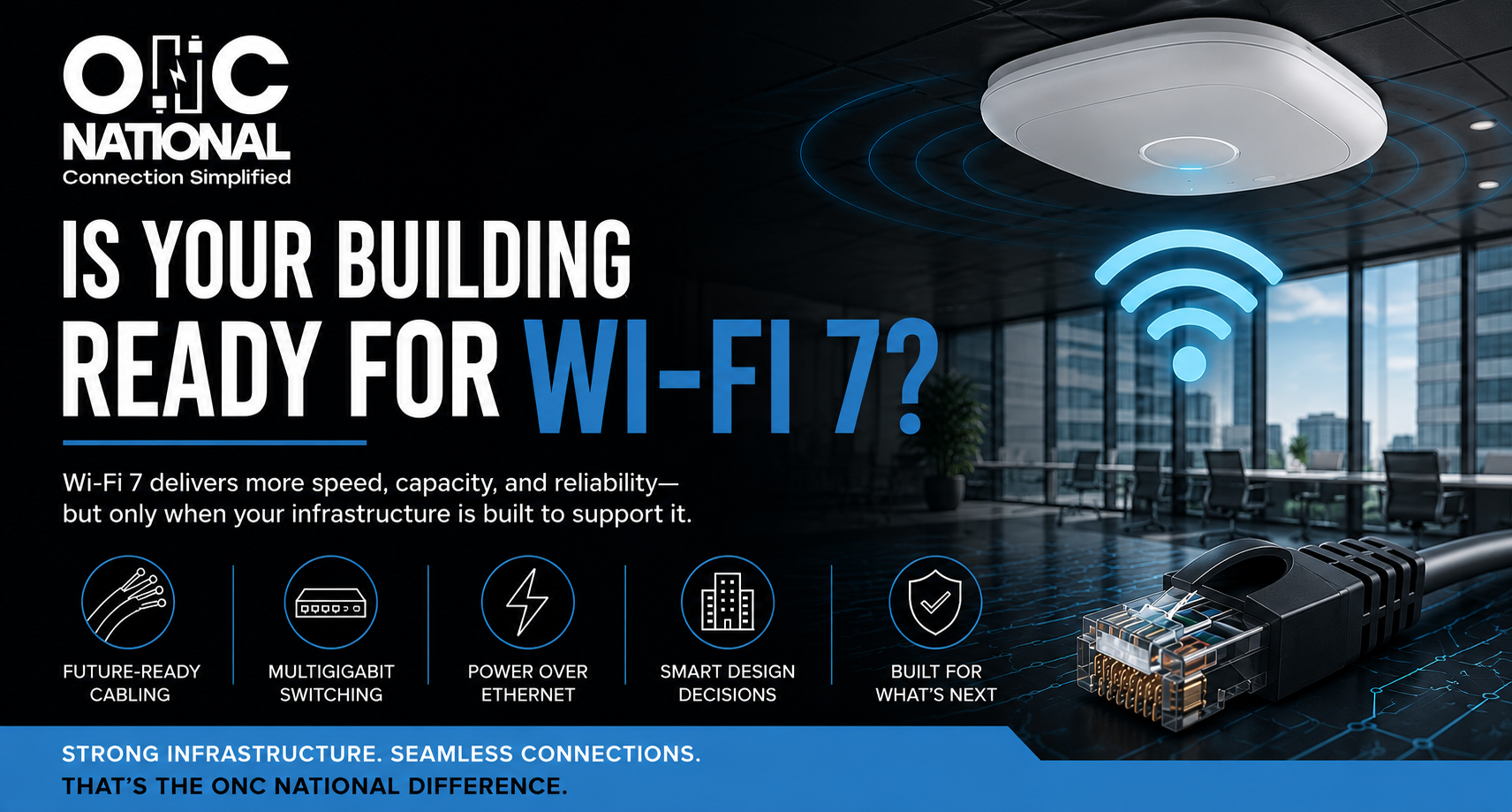
WiFi 7 is here, promising faster speeds, greater capacity, lower latency, and better performance in environments where more devices are competing for connectivity.
For commercial building owners, developers, architects, engineers, and contractors, the conversation is bigger than upgrading wireless access points.
The real question is whether the building is ready to support them.
Every access point depends on the infrastructure behind it: cabling, switches, power, telecommunications rooms, and the network backbone. Before investing in WiFi 7, it is worth understanding where those systems can keep up.
What Makes WiFi 7 Different?
WiFi 7 is based on the IEEE 802.11 be standard, officially called Extremely High Throughput.
The IEEE 802.11 be standard includes enhancements designed to support significantly higher throughput while improving latency and jitter. Technologies such as 320 MHz channels and Multi-Link Operation allow compatible devices to use available wireless spectrum more efficiently.
Those improvements arrive at a time when commercial networks are being asked to support much more than laptops and phones. Today, a building may have hundreds or thousands of connected devices, including wireless access points, security systems, cameras, sensors, building automation equipment, mobile devices, collaboration technology, and IoT systems.
WiFi 7 gives organizations more wireless capability. Taking advantage of it, however, requires looking beyond the wireless equipment itself.
Start With The Cabling
The horizontal cabling connecting access points to the network is one of the first areas to evaluate.
Many existing building have Category 5e or Category 6 cabling installed when network demands were considerably different. That does not automatically mean the cabling needs to be replaced. Existing infrastructure should be evaluated based on its condition, distance, network design, equipment, and required performance. For new construction and major renovations, Category 6A deserves serious consideration.
CommScope’s guidance on Category 6A notes that CAT 6A supports 10 Gigabit Ethernet at standard horizontal cabling distances and points to industry guidance recommending at least CAT 6A for wireless access points. It also offers advantages when supporting higher levels of Power over Ethernet.
Why does that matter?
Access points will be replaced several times during the life of most commercial buildings. The cabling behind finished walls and ceilings is far more difficult and expensive to replace.
Planning for sufficient capacity during construction can give the building more flexibility as technology changes.
Make Sure The Network Can Keep Up
Cabling is only one part of the equation.
The network switches connecting those access points also need enough capacity to handle increased speeds. A high performance access point connected to a traditional 1 Gigabit Ethernet port may encounter limitations before reaching its potential. This is where multigigabit Ethernet becomes important.
Cisco’s Multigigabit Technology supports network speeds beyond 1 Gbps while allowing organizations to use Ethernet cabling to connect and power modern wireless access points.
The backbone should also be evaluated. Increasing capacity at the edge of the network does little good if traffic encounters another bottleneck as it moves through the building.
A WiFi 7 upgrade should therefore consider the network as a system rather than evaluating individual pieces of equipment in isolation.
Power Matters Too
Modern wireless access points require both data and power, and many commercial installations use Power over Ethernet, or PoE, to provide both through Ethernet cabling. That makes the available PoE capacity of the network switches an important part of upgrade planning.
For example, Cisco’s installation guidance for its 91781 Series WiFi 7 Access Point identifies support for IEEE 802.3bt four-pair PoE and advises installers to verify that enough power is available to enable all access point features. This is an easy detail to overlook when evaluating wireless equipment.
Before deployment, teams should understand the power requirements of the selected access points, available switch capacity, cabling requirements, and total PoE budget across the network.
Faster WiFi Does Not Fix Poor Placement
The fundamentals of wireless design still matter. Walls, building materials, ceiling heights, interference, user density, device concentration, and the physical layout of a facility can all affect wireless performance. That is why new access points should not automatically be installed wherever the previous generation happened to be located.
New construction offers an even better opportunity.
When wireless planning happens early, access point locations can be coordinated with architecture, pathways, cabling, telecommunication rooms, and other building systems before construction limits the available options. A little planning on the front end can prevent costly changes later.
Don’t Just Plan For Today’s Devices
The technology installed in a commercial building will change many times during the life of that building. Wireless standards will evolve. More systems will become connected. Device counts will increase. New applications will place different demands on the network.
Future readiness does not mean installing the most expensive infrastructure available everywhere. It means making informed decisions about capacity, pathways, cabling, telecommunication spaces, and network architecture so the building has room to adapt. That distinction matters.
The goal is not to predict exactly what technology will look like tens years from now. It is to avoid unnecessarily limiting the building because of decisions made during construction today.
Build For What Comes Next
WiFi 7 creates exciting possibilities for commercial buildings, but the best wireless network is not built by focusing on access points alone. It comes from understanding how cabling, switching, power, pathways, telecommunication spaces, and wireless design work together.
For a new construction project, those conversations should happen early enough to influence the design.
For an existing facility, they should happen before an upgrade determines what needs to stays, what needs to change, and where the network may have limitations.
Planning a new facility, renovation, or wireless upgrade? Connect with ONC National about whether your infrastructure is ready for WiFi 7.