What Happens When The Internet Goes Down In A Smart Building?
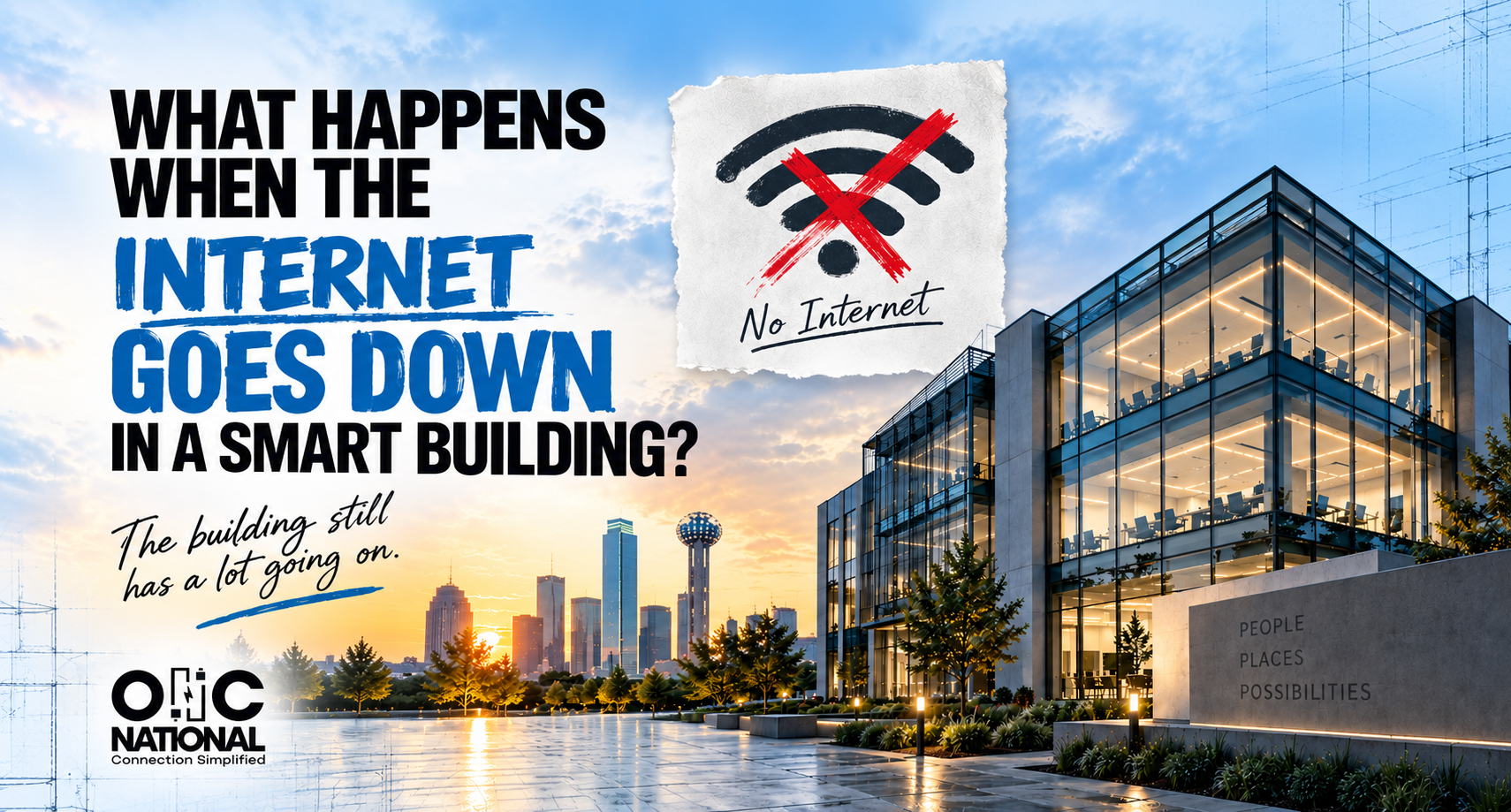
The internet goes down.
Your laptop notices. Your phone notices. Everyone in the office notices. But what about the building?
The cameras are still there. Employees are still badging through doors. Sensors are still mounted above the ceiling. Lighting and building controls still have jobs to do. So does a smart building suddenly become a dumb building?
Not necessarily.
The reason is something that is easy to overlook when everything is working, the internet and the building’s network are not the same thing.
The Internet Is Down, Now What?
A building can lose its connection to the internet without losing its internal network. That distinction matters.
Depending on how the systems were designed, devices inside the building may still be able to communicate with one another. What is missing is their connection to something outside the building, such as a cloud platform, remote user or outside service.
Today’s smart buildings can bring HVAC, lighting, security, cameras, sensors, and other systems onto shared digital infrastructure.
So when the internet disappears, the better question isn’t, does this system need the internet?
It is, what stops working when it doesn’t have it?
The answer may be everything. Or it may be one feature nobody notices until they try to use it.
Sometimes The Device Keeps Doing Its Job
A security camera offers a good example. You might assume that if its connected is interrupted, so it the recording. Depending on the equipment and configuration, that isn’t always the case.
Some cameras can store video locally during a network interruption. Axis, for example, documents failover recording, which allows compatible cameras to temporarily store video on an SD card and fill in missing recordings after communication with the video management system returns.
The camera didn’t stop seeing what was happening. The normal path for the information was interrupted.
That difference is worth understanding for more than cameras. As buildings add connected technology, we need to know which functions happen locally and which ones depend on something somewhere else.
You don’t want an outage to be the first time you find out.
Now Change The Failure
What if the internet is fine, but a network switch inside the building fails?
That is a different problem.
Cameras, sensors, controllers, and other building technologies increasingly rely on network infrastructure. In some applications, Power over Ethernet allows that same infrastructure to carry data and provide power to connected devices.
Now the problem isn’t getting outside the building. It is reaching the equipment inside it. Change the scenario one more time. The power goes out.
Network equipment may have backup power. Certain systems may have their own backup provisions. Other devices may go offline immediately. Same building, different failure.
Internet down. Network down. Power down.
They sound similar when someone says, “the system is down”. They are not.
Find Out What Depends On What
No building will operate forever without an interruption. Providers have outages. Hardware fails. Power disappears. Equipment needs maintenance. What we can control is whether we have asked the right questions before something goes wrong.
For every system that matters, someone should know the basics. Does it need the internet? Can it operate locally? Where does its data go during an outage? What happens if it loses power?
There is one more question that is easy to forget, what happens when everything comes back?
Does the system reconnect on its own? Does missing information synchronize? Does someone need to intervene?
Those questions are not particularly exciting during design. During an outage, they become very interesting.
A Smart Building Should Know How To Have A Bad Day
Most smart build conversations are about capability. When can we connect? What can we automate? What information can we collect?
Those are worthwhile questions. But the more we connect a building, the more important it becomes to know what depends on what.
That doesn’t mean every device needs backup power or every system needs an elaborate redundancy plan. A conference room display going offline is one problem. Losing a system the building depends on is another. Knowing the difference is the point.
Because “connected” tells you what a building can do when everything is working. Good planning tells you what happens when it isn’t.
Plan For The Bad Day Before It Happens
The best time to understand a building’s technology dependencies isn’t during an outage. It is while there are still options for how those systems will connect, communicate, and operate.
Planning a connected building or technology upgrade? Connect with ONC National early, while you still have options behind the walls.